Download this article (PDF) 494 KB

TL;DR: I used whisper.cpp on an RTX 5070 with 8 GB of VRAM to transcribe about 100 hours of podcast MP3s in roughly three hours. The result is a local Markdown knowledge base that I can search, quote accurately, and add to prompts as grounded context.
Why transcribe a podcast library locally?
You transcribe a podcast library locally to turn valued listening into searchable material without paying per minute or sending a private archive to another service. I did not download a random collection of shows: these were podcasts I had already listened to and valued. Many episodes connect with work I do in data platforms, infrastructure, AI tooling, and the difficult path from an experiment to a reliable production system.
The problem was retrieval. I could remember an idea or an example, but not the episode, timestamp, or exact wording. That makes the material hard to reuse in an article, a technical note, or a prompt. A transcript turns a vague memory into searchable source material.
Local transcription also gives you control over cost and data handling. There is no per-minute API bill, no upload queue, and no need to send a private audio archive to another service. Once the pipeline works, you can rerun it as often as you need.
What whisper.cpp gives you
whisper.cpp gives you local Whisper speech recognition with no account and no hosted service: it is a C and C++ implementation of OpenAI’s Whisper speech recognition models. It supports CPU execution and GPU acceleration, and it has a simple command-line interface that runs on ordinary consumer hardware.
The sizing is practical for consumer hardware. The whisper.cpp model table lists the large model at about 2.9 GiB on disk and about 3.9 GB of memory. In other words, this is a roughly 3 GB model file with a runtime footprint near 4 GB, not a 3 billion parameter model. A GPU with more than 4 GB of free VRAM can be enough, although you should leave margin for the runtime and other processes.
I used an RTX 5070 with 8 GB of VRAM. That is ordinary consumer hardware, not a datacenter accelerator. It had enough room for the model and the transcription workload without forcing me to design a distributed system for a personal archive.
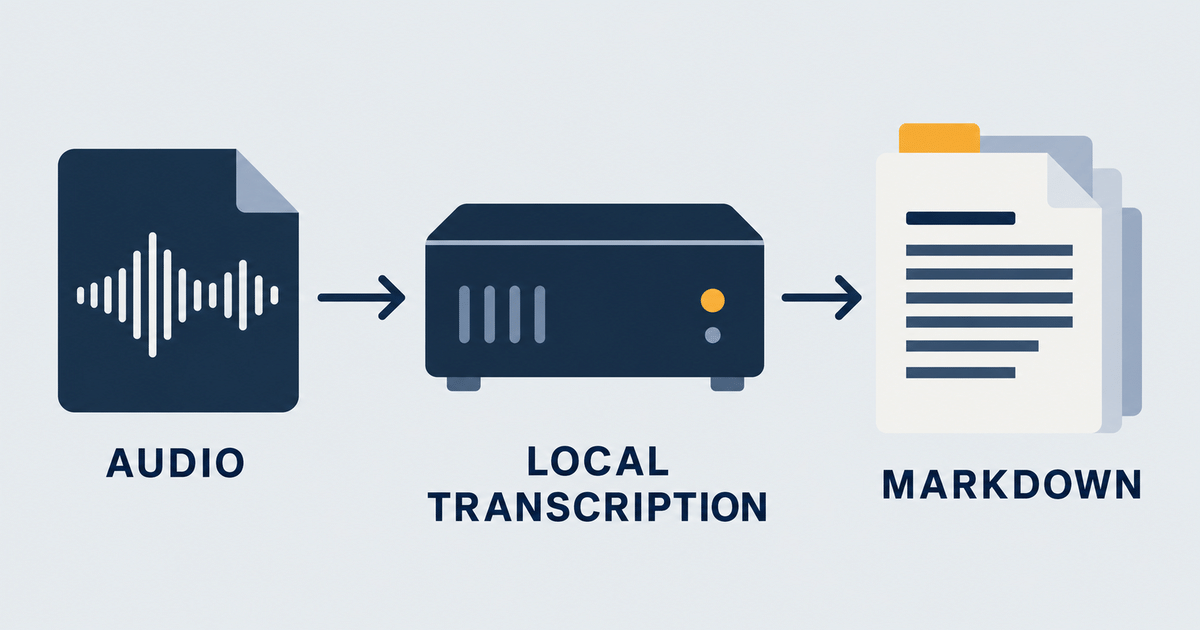
The run: 100 hours of audio in about three hours
The run completed in roughly three hours of wall time: about 100 hours of podcast MP3s processed on an NVIDIA RTX 5070 with 8 GB of VRAM, running whisper.cpp with a large model kept in GPU memory. That is close to 33 times faster than real time on this machine, which makes a podcast back catalog an evening batch on a consumer GPU rather than an infrastructure procurement exercise.
- Input: about 100 hours of podcast MP3s
- Hardware: NVIDIA RTX 5070 with 8 GB of VRAM
- Software: whisper.cpp with a large model kept in GPU memory
- Wall time: roughly three hours for the full batch
That is close to 33 times faster than real time on this machine. Treat it as one measured data point, not a universal benchmark. Throughput changes with the model, audio codec, language, silence ratio, decoding settings, and preprocessing. Measure your own collection before you estimate a larger job.
The important result is the order of magnitude. A podcast back catalog can be an evening batch on a consumer GPU. You do not need to turn a useful side project into an infrastructure procurement exercise.
Markdown is the real deliverable
Markdown is the real deliverable: the speech recognition model is only the extractor, and the useful output is a directory of plain Markdown files that you can inspect and reuse with standard tools. A folder of well-named files is already a knowledge base: grep a remembered phrase, keep the show name, episode title, date, and source URL beside the transcript, and split long episodes into timestamped sections.
- Search for a remembered phrase with grep or your editor.
- Keep the show name, episode title, date, and source URL beside the transcript.
- Split long episodes into timestamped sections.
- Paste a relevant section into a prompt as grounded context.
- Chunk and embed the files later if simple search stops scaling.
This keeps the first version simple. A folder of well-named files is already a knowledge base. You can add a vector database or a retrieval pipeline when you have enough content to justify the extra moving parts.
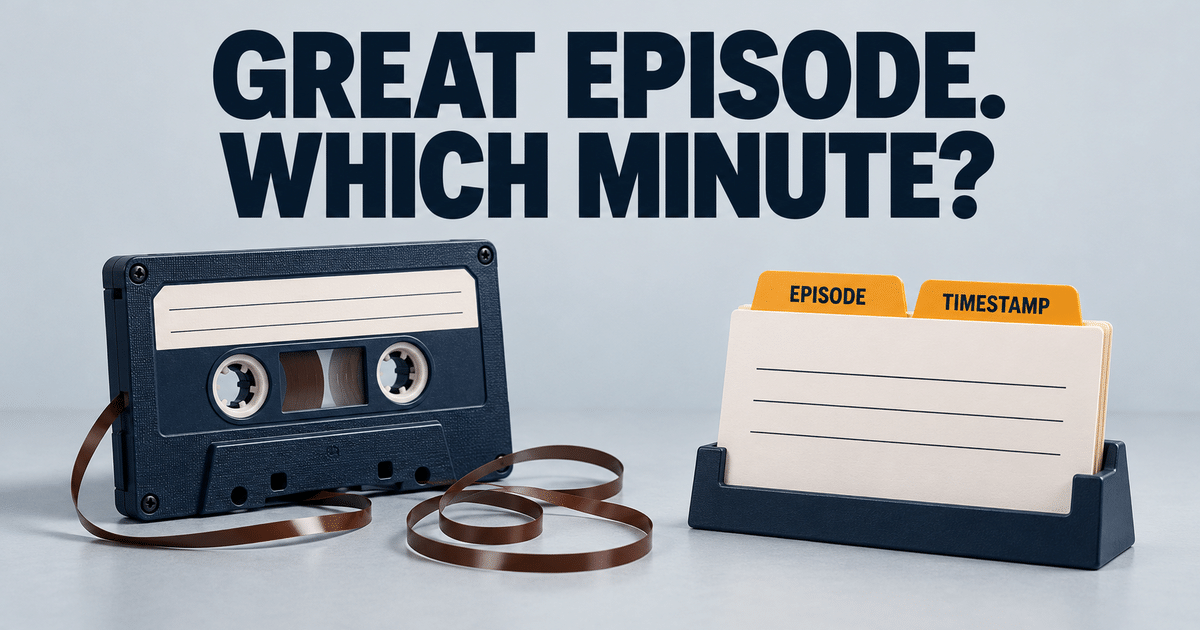
A repeatable workflow
A repeatable transcription workflow runs in seven steps: build whisper.cpp with GPU support, choose a model with memory margin, normalize the audio when needed, process one episode at a time, and log failures instead of stopping. Add useful metadata beside each transcript, keep the raw transcript so corrections produce a new version, and connect retrieval to your prompts.
- Build whisper.cpp with GPU support. Confirm that the binary uses your GPU before starting a large batch.
- Choose a model with memory margin. Account for the model, runtime buffers, and anything else using VRAM.
- Normalize the audio when needed. Converting files to a consistent 16 kHz mono format removes decoder and sample-rate surprises.
- Process one episode at a time. Write one output file per input file, log failures, and continue past a corrupt episode.
- Add useful metadata. Store the show, episode, date, source, language, and timestamps with the transcript.
- Keep the raw transcript. Corrections and enrichment should produce a new version, so you can always trace the source.
- Connect retrieval to your prompts. Add only the relevant sections and retain enough metadata to cite the episode.
I would also make the batch idempotent. If an output file already exists and passes a basic validation check, skip it. That lets you stop and restart the job without repeating hours of work.
Where the side project meets big data
The side project meets big data in the questions it forces: capacity planning, reliable batch processing, durable usable data, and a clear data boundary. This is a relaxed home project: one GPU, a command-line tool, some MP3 files, and Markdown, but the engineering questions are the same ones that appear in professional media and data platforms.
Capacity planning
Start with model fit and sustained throughput. How much memory does one worker need? How many hours of audio can it process per hour? What happens when another workload competes for the GPU? Those numbers determine cost and completion time at any scale.
Reliable batch processing
A production version needs ingestion, format normalization, queueing, checkpoints, retries, and observability. It also needs a clear policy for files that fail repeatedly. The single-machine run helps you find the expensive and fragile stages before you spread them across many workers.
Durable, usable data
Speech-to-text is not the business outcome. Searchable knowledge is. At personal scale, Markdown is a good storage contract. At platform scale, you might store transcript segments, timestamps, confidence, and provenance in Parquet or a document store. The core requirement stays the same: people and agents must be able to retrieve the right passage and trace it to its source.
A clear data boundary
Local processing matters when the audio contains client interviews, incident calls, internal meetings, or unreleased material. Running whisper.cpp locally is a technical control. It reduces the number of systems that receive sensitive audio and makes retention easier to reason about.
What I would improve next
Next I would improve quality and retrieval: speaker diarization, automatic episode metadata, language detection, timestamp links, an evaluation set for names and technical terms, and retrieval that returns each passage with its episode and timestamp. The first version solves capture, so these are additions rather than repairs. I would add them only when a real retrieval problem calls for them.
- speaker diarization for interviews and panel discussions,
- automatic episode metadata from the RSS feed,
- language detection and per-language model settings,
- timestamp links back to the original audio,
- a small evaluation set for names and technical terms,
- retrieval that returns the passage together with its episode and timestamp.
I would add these features only when a real retrieval problem calls for them. The simple pipeline already turns hours of passive listening into material I can search and reference accurately.
Practical takeaway
The practical takeaway is that a useful AI workload fits on a desktop GPU: a whisper.cpp large model is roughly 2.9 GiB on disk and uses about 3.9 GB of memory, and my RTX 5070 with 8 GB of VRAM processed about 100 hours of podcast audio in roughly three hours. Treat the timing as a local observation and benchmark your own audio and settings. Keep transcripts as durable, searchable files with source metadata.
- A whisper.cpp large model is roughly 2.9 GiB on disk and uses about 3.9 GB of memory.
- My RTX 5070 with 8 GB of VRAM processed about 100 hours of podcast audio in roughly three hours.
- That timing is a local observation. Benchmark your own audio and settings.
- Keep transcripts as durable, searchable files with source metadata.
- Start with simple search. Add embeddings and distributed workers only when scale requires them.
The fun part is running a useful AI workload on a desktop GPU. The professional habit is measuring it, making the batch restartable, preserving provenance, and turning the output into data that people can trust.
If you are planning an internal transcription or AI knowledge platform and need to validate GPU capacity, batch throughput, storage, or retrieval design, these are the same cross-layer questions I examine in a data platform performance audit.
Further reading
Further reading: start with whisper.cpp on GitHub for the tool itself, then the related posts on this site: “Local LLMs, Political Bias, and Why llama.cpp Still Matters”, “Distilling frontier reasoning into a local model”, and “Why Your GPU Infrastructure Costs 40% More Than It Should”. The first is the software, and the other three put local transcription in the wider context of running models and data platforms yourself.
- whisper.cpp on GitHub
- Local LLMs, Political Bias, and Why llama.cpp Still Matters
- Distilling frontier reasoning into a local model
- Why Your GPU Infrastructure Costs 40% More Than It Should
Update 2026-09-29. This post is now part of AI Infrastructure and SRE: Running Models in Production, the field guide to running models in production.
0 Comments