Bring the IOPS dude !
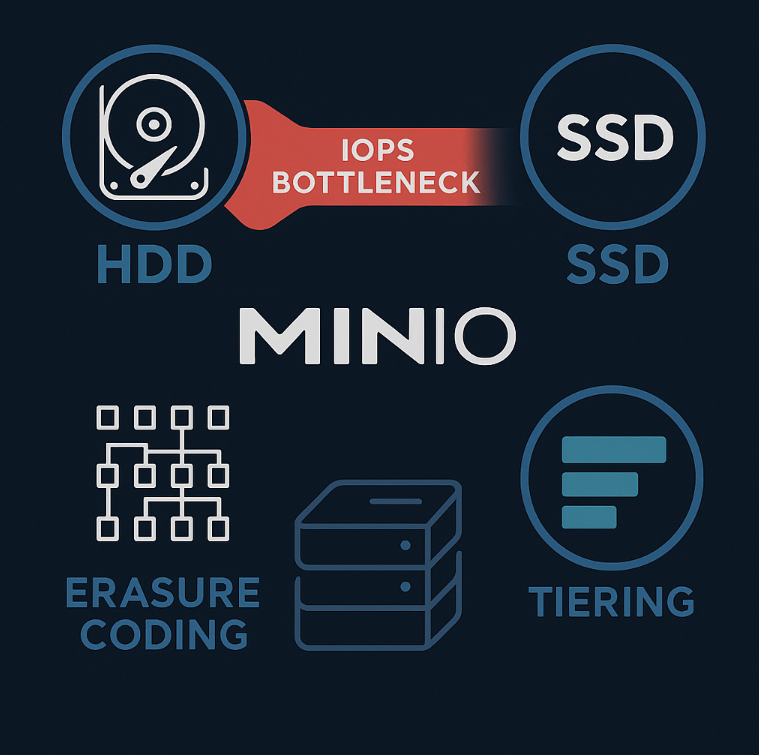
As a solutions architect working with MinIO storage solutions, I’ve seen firsthand the challenges that come with on-premises deployments using hard disk drives (HDDs). While HDDs may seem like a cost-effective option initially, they can introduce significant performance bottlenecks that impact the overall efficiency and scalability of your MinIO deployment.
➡ The Achilles’ Heel of HDD-Based Deployments: IOPS Limitations. 👿
The most glaring issue with HDD-based MinIO deployments is the inherent IOPS (Input/Output Operations Per Second) limitations of spinning disks. HDD-based MinIO clusters are almost guaranteed to be bottlenecked by IOPS capacity long before cpu or network. This means you may find yourself in a situation where you have plenty of raw storage space available, but your system is struggling to keep up with read and write requests.
Bigger Isn’t Always Better
It’s tempting to opt for the highest capacity HDDs available, such as 20TB drives, to maximize storage density. However, this approach can exacerbate the IOPS problem. While you gain more storage per drive, you don’t see a proportional increase in IOPS. In fact, the IOPS per TB ratio actually decreases with larger capacity drives. This means that very dense HDD configurations can lead to even worse performance characteristics for I/O intensive workloads.
Erasure Coding Constraints: Sacrificing Efficiency for Reliability
MinIO uses erasure coding to provide data protection and availability. With SSDs, it’s common to use larger erasure set sizes (e.g., EC 10:2) to achieve high storage efficiency. However, the IOPS limitations of HDDs make it impractical to use erasure set sizes larger than 4 drives.
In most HDD deployments, you’ll be limited to an EC 4:2 configuration as the recommended default. While this still provides better storage efficiency than traditional systems like HDFS (50% vs 33%), it falls well short of the ~70% efficiency commonly achieved with SSD-based MinIO deployments using EC 10:2.
This constraint means you’ll need to provision more raw storage capacity to achieve the same usable capacity compared to an SSD-based solution. The cost savings of HDDs can quickly evaporate when you factor in the additional drives, servers and racks to meet your storage needs.
Tiering as a Potential Solution
One way to potentially get more value out of HDD deployments is by leveraging MinIO’s tiering capabilities. With tiering, you can use a faster SSD-based tier as the primary storage, with HDDs serving as a lower cost capacity tier. Importantly, MinIO keeps all metadata on the faster primary tier, helping to mitigate some of the IOPS limitations of HDDs. This allows you to balance performance and cost, though it does add complexity to the overall architecture.
Be kind to yourself and use SSD.
https://www.linkedin.com/


0 Comments